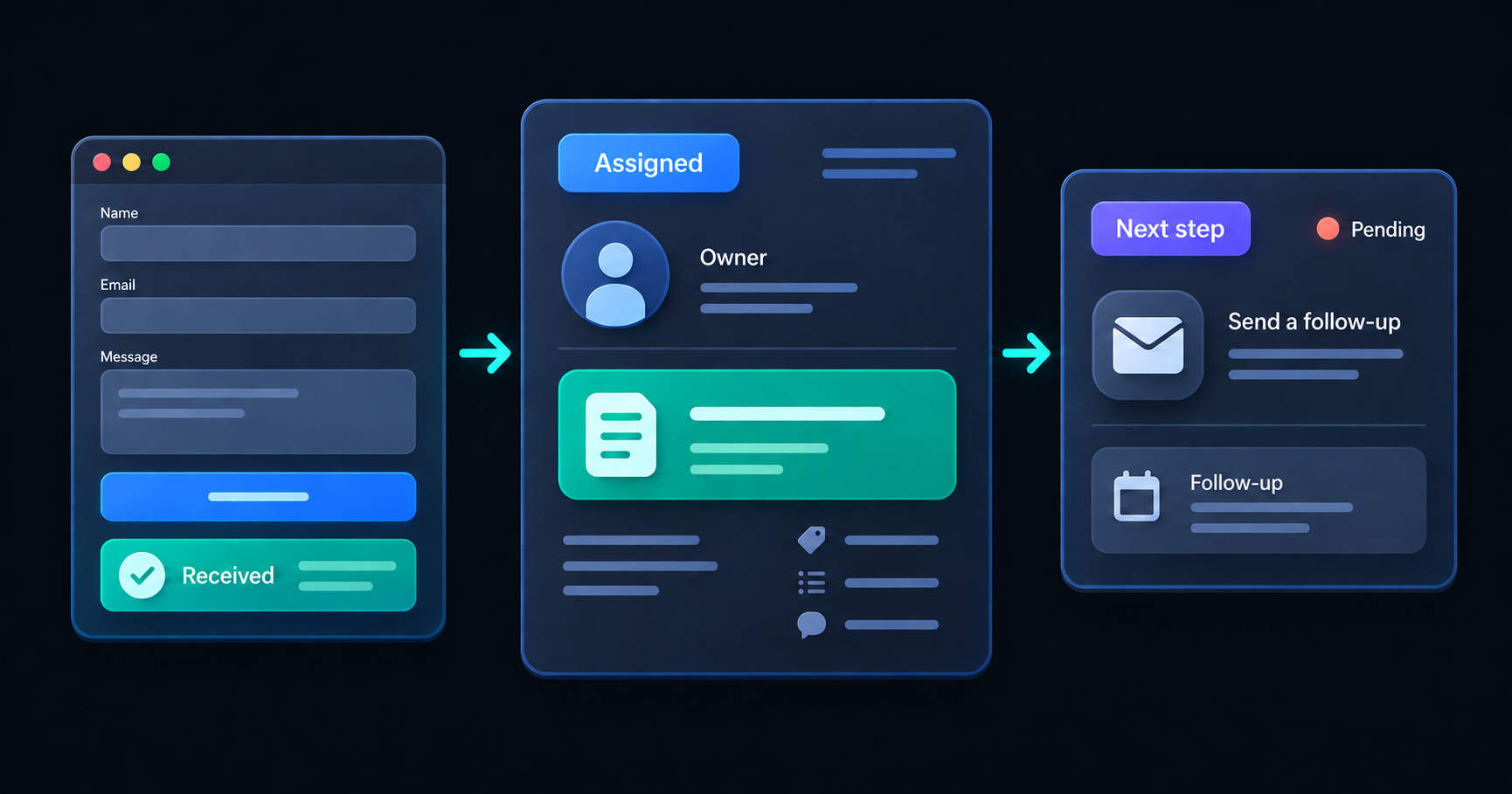
Someone has read your service page, decided you might be able to help, and sent an inquiry. Your website says the message was received.
What happens inside the business next?
That handoff deserves as much attention as the form itself. A receipt reassures the visitor. A clear owner, a useful record, and a next action help turn their message into a conversation.
In our website review checklist, we asked whether an inquiry reaches the right place. Here is how we would examine the steps that follow.
Separate the receipt from the response
The confirmation should say what actually happened. “Your inquiry has been received” is appropriate when the request has been recorded. “Your appointment is confirmed” means something different: the business has accepted a time and committed to it.
Imagine a commercial installation company receiving a request for work next month. This is an illustrative scenario, not a client project. Before accepting the job, someone needs to check the location, the work involved, and availability. The website should make that sequence clear.
A useful receipt might explain that the business will review the details and follow up by email. Include a response window only if there is a working process behind it.
The feedback also needs to be accessible. W3C recommends clear success and error notifications, with errors explaining how the visitor can correct the problem. A colored border alone cannot explain a failed submission. W3C guidance on form notifications
Give the inquiry an owner
A shared inbox is a destination. It still needs a rule for who takes the next step.
For the installation example, decide who reviews new requests and who covers that responsibility when the usual person is unavailable. Make it possible to see whether someone has picked up the inquiry, so two people do not prepare different responses while another request sits untouched.
Start with a few useful states: received, assigned, waiting for information, and ready for a decision. Define what moves an inquiry between them. “Waiting for information” should mean that a particular question has been sent to a particular person.
The first version could be a shared inbox with agreed conventions. A more involved process may need a task board or an application. Choose after you understand the handoff.
Keep the context with the work
When the person responsible opens the inquiry, can they understand what the visitor needs without searching several places?
Keep the original message, contact details, relevant service, and follow-up history together. If the website asks someone to choose a service, that selection should reach the person responding. If a colleague adds an internal note, make its audience clear.
For our example, a requested installation date is useful context, but it should remain a preference until someone confirms it. Preserve that distinction as the request moves into a calendar or job system.
Also check which details need to be collected at the first step. Ask for enough to begin the conversation; gather more detailed project information through an appropriate follow-up when it is needed.
Make an interrupted handoff visible
A notification email and a stored inquiry are two separate things. Decide what happens if the request is saved but the email cannot be delivered. Where can the business find the inquiry, and how will someone know the notification needs attention?
Think through a few other ordinary interruptions:
- The person assigned to the request is away.
- A visitor submits the same inquiry twice because they were unsure it worked.
- The visitor leaves a valid-looking email address that contains a typo.
- The request needs information that the first form did not collect.
Each case needs a practical response. A backup owner, a way to recognize duplicates, or a visible follow-up task may solve more than adding another field to the form.
Test one inquiry all the way through
Arrange a test with whoever handles incoming requests. Use clearly labeled test details so it cannot be mistaken for real work.
Follow the journey on a phone and with a keyboard. Check that the form explains mistakes, confirms a successful submission, and preserves the information the business needs. Then follow the record internally until it has an owner and a next action.
Record where the test needed someone to step in manually. That is a useful starting point for improvement. Repeat the check after changes to the form, notification settings, or the tools that receive requests.
Bring us the step that feels uncertain
At Code + Carbon, we look at the website and the handoff together. The useful first change might be clearer confirmation copy, a better routing rule, or a connection to software you already use.
Use our project inquiry form to describe what someone asks for, where that message goes today, and where the process becomes unclear. An anonymized description is enough to begin. We can discuss a sensible first improvement from there.
Put the idea to work
What’s getting in your way?
Bring us a workflow, a question, or an idea. We’ll help you find a useful place to start.