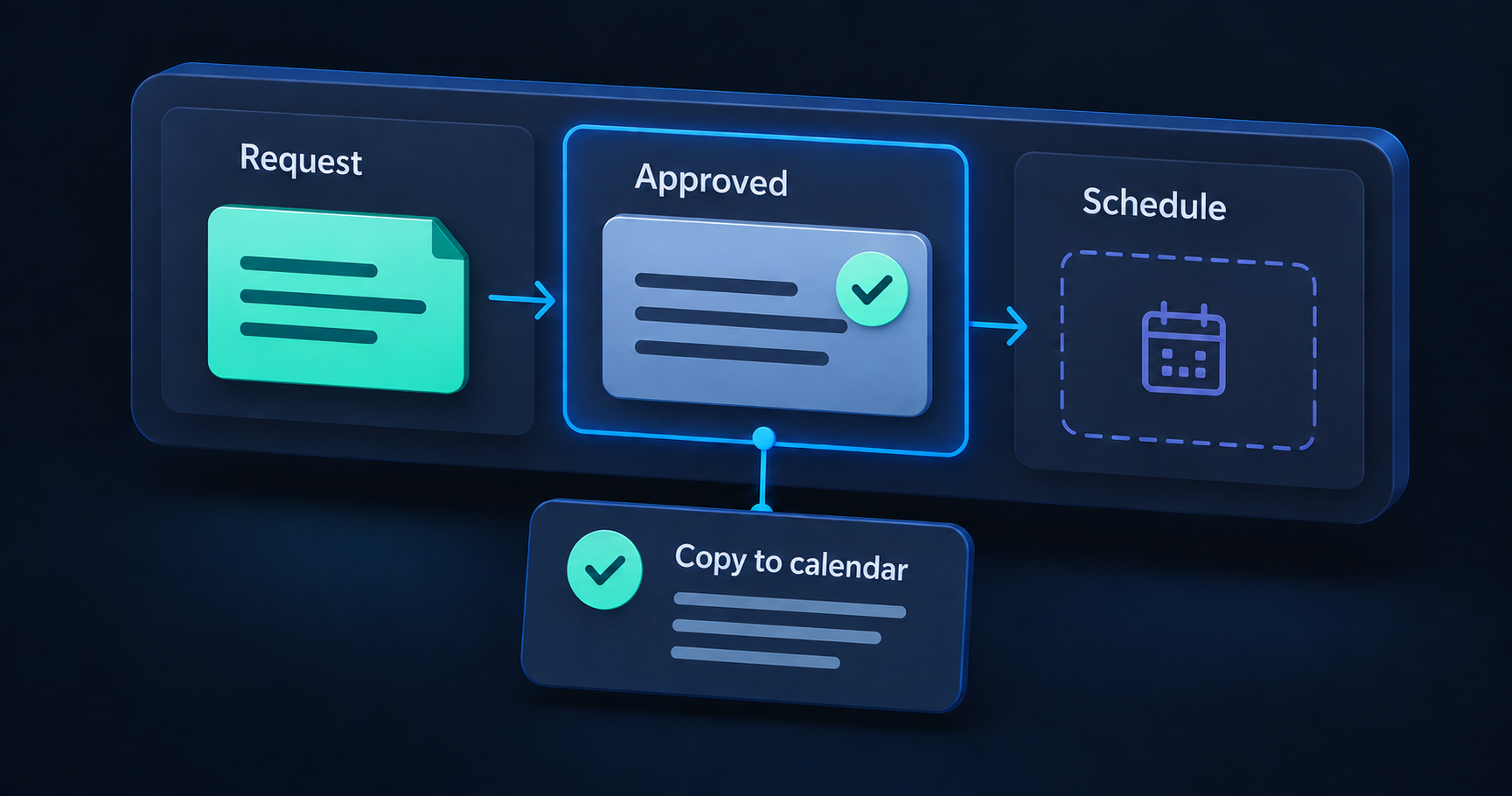
You can probably name several tasks your business would like to stop doing by hand. Copying a request into another system. Chasing an approval. Preparing the same update every Friday.
Choosing the first one matters. It becomes the place where you learn what the software needs to handle, who will maintain it, and whether the change helps the people doing the work.
Our article on outgrowing spreadsheets explores the signals that a workflow needs attention. The next decision is which part to improve first.
Start with a handoff you can observe
Choose a piece of work with an identifiable beginning and finish. “Improve operations” is too broad to review. “When a request is approved, add the agreed details to the scheduling system” is a step someone can walk through.
For an illustrative installation business, that step might currently involve opening an approval email, finding the matching spreadsheet row, and copying the location and agreed date into a calendar. This is a hypothetical example, not a report of client results.
Sit with someone who does the task and follow a recent, appropriately anonymized example. Include the workarounds: the extra message needed to confirm a date, the file that has to be renamed, and the check that prevents a duplicate booking.
Those details often determine the scope more than the main sequence does.
Compare the burden with the clarity of the rules
For each candidate task, answer four questions:
- How often does it happen? Use recent records or a short observation period rather than memory alone.
- What does it cost in effort? Include preparation, checking, corrections, and interruptions to other people.
- How clearly can you describe the decision? Name the information required and what happens when it is missing.
- What happens if it goes wrong? Consider how quickly someone can spot the problem and recover.
Look for a recurring burden with rules you can explain and a result you can check. That gives a first automation something concrete to prove.
A frequent task with unclear rules may need process work first. A rare task may still matter if delays have serious consequences, but that also calls for more careful review. A simple ranking should start a conversation, not make the decision by itself.
Find the decision that should stay with a person
In the scheduling example, copying an already approved date is different from deciding whether the business can deliver on that date.
The first is a transfer with rules you may be able to define. The second could involve capacity, travel, customer expectations, and judgment. Keep that approval explicit while you explore automating the transfer.
Write down what the automation is allowed to do. Then name what should stop it: a missing address, an unconfirmed date, or an existing calendar entry for the same request.
Also decide how changes will work. If an approved date moves, should the calendar entry update automatically or wait for another review? The answer should be visible in the workflow.
Check the tools you already have
Before commissioning a build, see whether your current software can support the agreed step. An existing notification, form setting, or integration may be enough.
Test it against the actual requirements. Can it identify the same request reliably? Can it show when a transfer failed? Can the person responsible correct a mistake? What happens when access credentials or the connected service change?
A custom integration becomes a stronger option when the available features leave important gaps. Include setup, subscriptions, ongoing support, and the effort of keeping the process current in that comparison.
Avoid estimating value only from the time needed to enter data. The complete cost includes checking that the transfer happened and dealing with the cases it could not handle.
Make the first version easy to review
A useful first version has a narrow boundary: one request type, one approval, and one destination. Show the information that will move and the result the person responsible should expect.
Test ordinary and interrupted cases before relying on it. For the installation example, that means an approved request, a missing date, a duplicate trigger, a changed date, and an unavailable calendar service. A retry should not quietly create a second booking.
Give someone ownership of failures and a way to continue the work manually. Agree on a review point after a limited trial. Compare the complete task with how it worked before, including the time people spend supervising it.
Describe one task you want to stop repeating
You can start with three sentences:
- When this event happens, someone needs to do this task.
- Today, they use these tools and check these details.
- The difficult part is this delay, repetition, or uncertainty.
That is enough for a useful first discussion. At Code + Carbon, we use concrete examples like these to compare improving an existing tool, connecting systems, and building a focused application.
Tell us about one repetitive task, including what starts it and what a good finish looks like. Leave customer details out; the shape of the work is what matters at this stage.
Put the idea to work
What’s getting in your way?
Bring us a workflow, a question, or an idea. We’ll help you find a useful place to start.